ATS-Friendly Resume Formats for Freshers 2026: Best Templates, Examples and Tips
Are you a fresher looking for your first job in 2026? Your resume is often the first thing a recruiter sees. Even if you have good academic marks, technical skills, and project experience, a poorly formatted resume may make it difficult for recruiters to understand your qualifications.
Many companies use an Applicant Tracking System (ATS) to collect and organise job applications. An ATS-friendly resume uses a clear structure, standard headings, readable text, and relevant keywords so that both recruitment software and hiring managers can understand your profile.
In this guide, you will learn about the best ATS-friendly resume formats for freshers in India, how to create a professional resume, and which mistakes you should avoid.
What Is an ATS-Friendly Resume?
An ATS-friendly resume is a document designed to make your education, skills, projects, and experience easy for recruitment software to identify.
Companies may use applicant tracking systems to manage applications and help recruiters search for candidates. However, every company configures its hiring process differently, so no resume format can guarantee selection.
For freshers applying to IT companies, BPOs, startups, banks, and other corporate organisations, a simple and well-organised resume is a good starting point.
Best ATS-Friendly Resume Formats for Freshers in 2026
Choosing the right resume format depends on your education, experience, and target job.
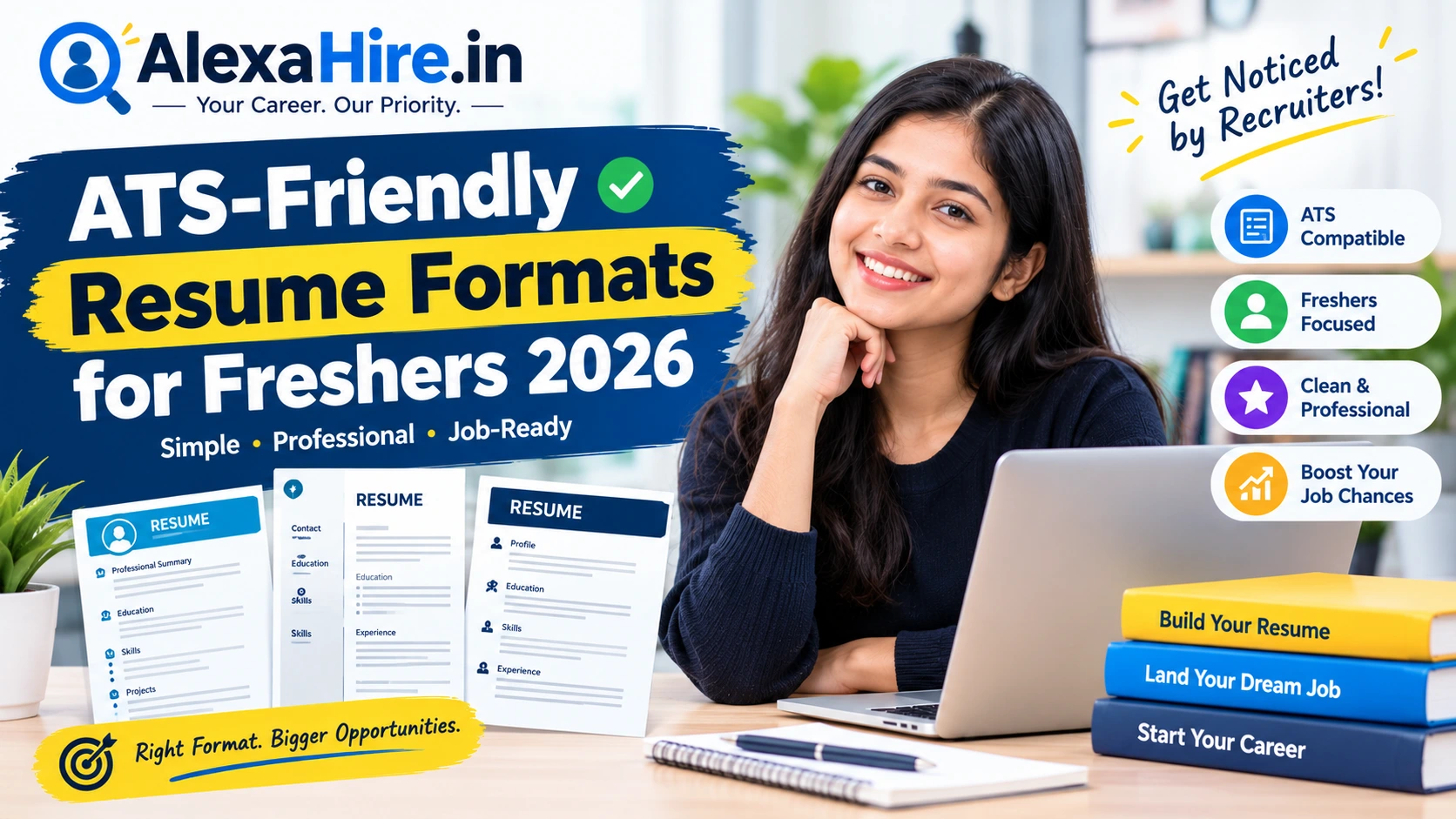
1. Simple Single-Column Resume Format
This is one of the best starting points for freshers with no full-time work experience.
Best for: Campus placements, off-campus jobs, internships, and entry-level positions.
Features:
- Clean, single-column layout.
- Standard headings such as Education, Skills, and Projects.
- Clear contact details.
- Simple bullet points.
- No unnecessary graphics or decorative elements.
This format helps recruiters quickly identify your qualifications and relevant skills.
2. Skills-Based Resume Format
A skills-based resume highlights your relevant abilities and projects instead of focusing mainly on employment history.
Best for: Candidates without work experience, career starters, and applicants who have completed relevant training.
For example, a computer science graduate can highlight Python, Java, SQL, web development, and academic projects. A commerce graduate can showcase Excel, Tally Prime, financial accounting, GST knowledge, and relevant coursework.
Always include skills you can demonstrate during an interview or assessment.
3. Education-Focused Resume Format
If you are applying for campus placements or your first job, your academic background may be one of your strongest qualifications.
Best for: Recent graduates, diploma holders, and candidates applying for graduate trainee positions.
Include:
- Degree and specialisation.
- College or university name.
- Graduation year.
- Percentage or CGPA, where relevant.
- Academic projects and relevant coursework.
- Certifications and achievements.
4. Project-Based Resume Format
A project-based resume gives more space to practical work completed during college, internships, training, or independent learning.
Best for: Software developers, data analysts, digital marketers, designers, and engineering graduates.
Describe each project using three points: what you built, which tools you used, and what the project achieved.
For example, you could explain how you created a sales dashboard using Excel or Power BI, developed a website using HTML and CSS, or built a database application using SQL.
Recommended ATS-Friendly Resume Template for Freshers
You can use the following structure as a starting point and replace the sample information with your actual details.
FULL NAME
City, State | Phone Number | Professional Email
LinkedIn: Your Profile URL | GitHub/Portfolio: Your Link
PROFESSIONAL SUMMARY
Recent B.Com graduate seeking an entry-level accounts or finance role. Familiar with MS Excel, financial accounting, and basic GST concepts. Interested in applying academic knowledge and developing practical business skills.
EDUCATION
Bachelor of Commerce (B.Com)
College or University Name | Graduation Year
Percentage/CGPA: Your Actual Score
Class 12: School Name | Board | Year | Percentage
Class 10: School Name | Board | Year | Percentage
SKILLS
- Technical Skills: MS Excel, Word, PowerPoint.
- Domain Skills: Financial Accounting, Basic GST, Bookkeeping.
- Professional Skills: Communication, Problem-Solving, Teamwork.
PROJECTS
Project Name: Sales and Expense Analysis
- Analysed sample sales data using Excel.
- Created summaries to compare sales and expenses.
- Presented key findings using charts and tables.
INTERNSHIP OR EXPERIENCE
Company Name | Role | Dates
- Describe your actual responsibilities.
- Mention tools used and results achieved.
CERTIFICATIONS AND ACHIEVEMENTS
- Relevant course or certification name.
- College achievement, award, or competition.
- Other accomplishments relevant to the target role.
Note: This is an illustrative example, not a real candidate’s resume. Include only qualifications, projects, and skills that genuinely apply to you.
How to Make Your Resume ATS-Friendly
Follow these practical tips before applying for jobs.
1. Keep Your Resume Simple
For most freshers, one page is a useful target. Use a single-column layout, clear spacing, and readable fonts such as Arial, Calibri, or Times New Roman.
Avoid unnecessary design elements that may make your information difficult to extract.
2. Use Standard Section Headings
Use familiar headings such as:
- Professional Summary
- Education
- Technical Skills
- Projects
- Internship or Experience
- Certifications
- Achievements
These headings make your information easier for recruiters and many resume-parsing systems to interpret.
3. Match Relevant Keywords from the Job Description
Read the job description carefully before applying. Identify the required skills, tools, qualifications, and responsibilities.
For example, if a data analyst vacancy requires SQL, Excel, and Power BI, include those skills if you genuinely possess them. Support them with examples from your projects or experience.
Do not copy every keyword or claim skills you cannot demonstrate.
4. Save Your Resume in the Correct File Format
PDF and DOCX are commonly accepted formats, but you should always follow the employer’s instructions.
If you submit a PDF, make sure the text is selectable rather than a scanned image. Use a professional filename, such as FirstName_LastName_Resume.pdf.
5. Write Strong Project Descriptions
Projects can help freshers demonstrate practical ability even without professional experience.
Instead of writing “Created a website,” explain which technologies you used, what features you developed, and what problem the website addressed.
Use numbers only when you have genuine results to support them.
Common ATS Resume Mistakes to Avoid
Avoid these mistakes when preparing your resume in 2026:
- Using complicated two-column layouts or sidebars.
- Adding unnecessary photos, logos, icons, or graphics.
- Using skill bars, stars, or percentage ratings.
- Placing important contact information only in headers or footers.
- Using unusual section headings.
- Submitting a scanned resume image instead of readable text.
- Sending the same generic resume for every vacancy.
- Including irrelevant skills and lengthy paragraphs.
- Adding incorrect dates, marks, or qualifications.
- Mentioning fake experience or certifications.
Remember that an ATS-friendly format can improve readability, but employers may also assess eligibility, skills, assessments, interviews, and other selection criteria.
How to Check Whether Your Resume Is ATS-Friendly
Before uploading your resume to a company career portal, follow this checklist:
- Contact details are clearly visible.
- Education and skills are easy to find.
- Standard section headings are used.
- The document has a simple layout.
- Relevant job-description keywords are included naturally.
- The PDF contains selectable text.
- Dates, spelling, and contact information are correct.
- The file format follows the employer’s instructions.
- Every listed skill and achievement is accurate.
You can also copy the resume text into a plain-text editor. If the content appears in the wrong order or important details are missing, simplify the layout and check the exported file again.
Which Resume Format Is Best for Freshers in India?
For most freshers applying for entry-level jobs in India, a simple, single-column resume is a reliable starting point.
Choose an education-focused format if your academic qualifications are your strongest point. Use a project-focused format if you have relevant practical work. A skills-based format can also help you highlight abilities gained through courses, internships, and independent learning.
The most important thing is to create a resume that is easy to read, relevant to the vacancy, and honest about your qualifications.
Frequently Asked Questions (FAQs)
1. Which resume format is best for freshers in 2026?
A simple, single-column resume with standard headings is a good choice for most freshers. Include your education, relevant skills, projects, internships, and certifications.
2. Should a fresher’s resume be one page?
One page is usually sufficient for freshers with limited experience. Add another page only if you have meaningful, relevant information that cannot reasonably fit on one page.
3. Is PDF or Word better for an ATS resume?
Both formats may be accepted. Follow the job portal’s instructions and use a text-based PDF or DOCX file when permitted.
4. Can freshers get jobs without work experience?
Yes. Many entry-level vacancies accept freshers. Highlight your education, projects, internships, practical skills, and relevant certifications.
5. Should I add a photo to my resume?
For most corporate job applications in India, a photo is unnecessary unless the employer specifically requests one.
6. How can I make my resume stand out?
Tailor your resume to the role, highlight relevant projects, use clear bullet points, and provide genuine evidence of your skills.
Final Thoughts
Creating an ATS-friendly resume is an important step in your job search. You do not need an expensive template or complicated design to make a professional first impression.
Start with a clear format, highlight your strongest qualifications, match relevant keywords to each job description, and check your resume before submitting it.
Visit AlexaHire.in for more career guidance, fresher job opportunities, interview preparation tips, and resume-writing advice to support your job search in 2026.
Disclaimer: Resume formats and hiring practices vary by employer. An ATS-friendly resume does not guarantee shortlisting or selection. Always follow the specific instructions provided in the job advertisement.
Sources for Further Reading
- Naukri: How to Write a Resume for Freshers
- SKILLProbe: ATS-Friendly Resume Format for Freshers in India
Check out our latest verified openings on AlexaHire Careers.